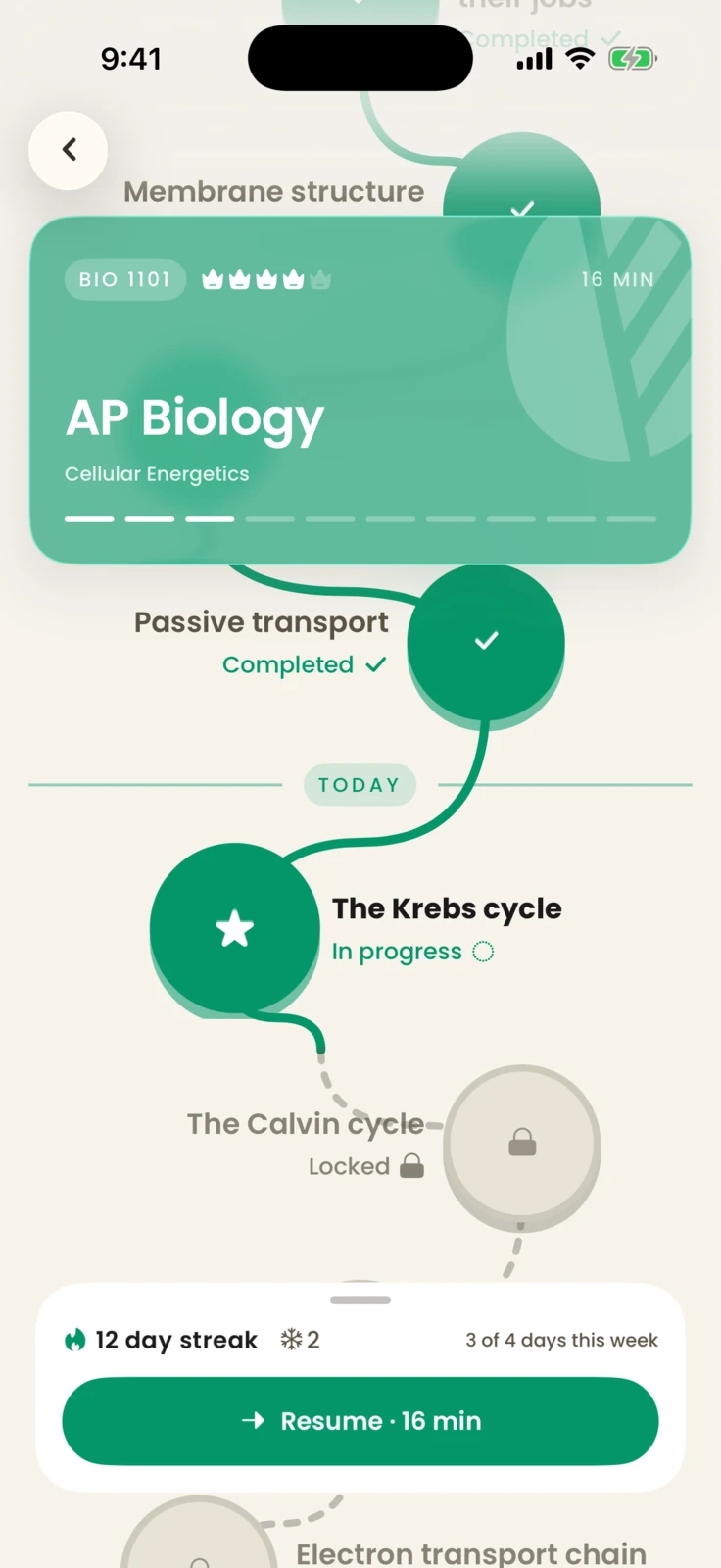
A pathway for what to learn next
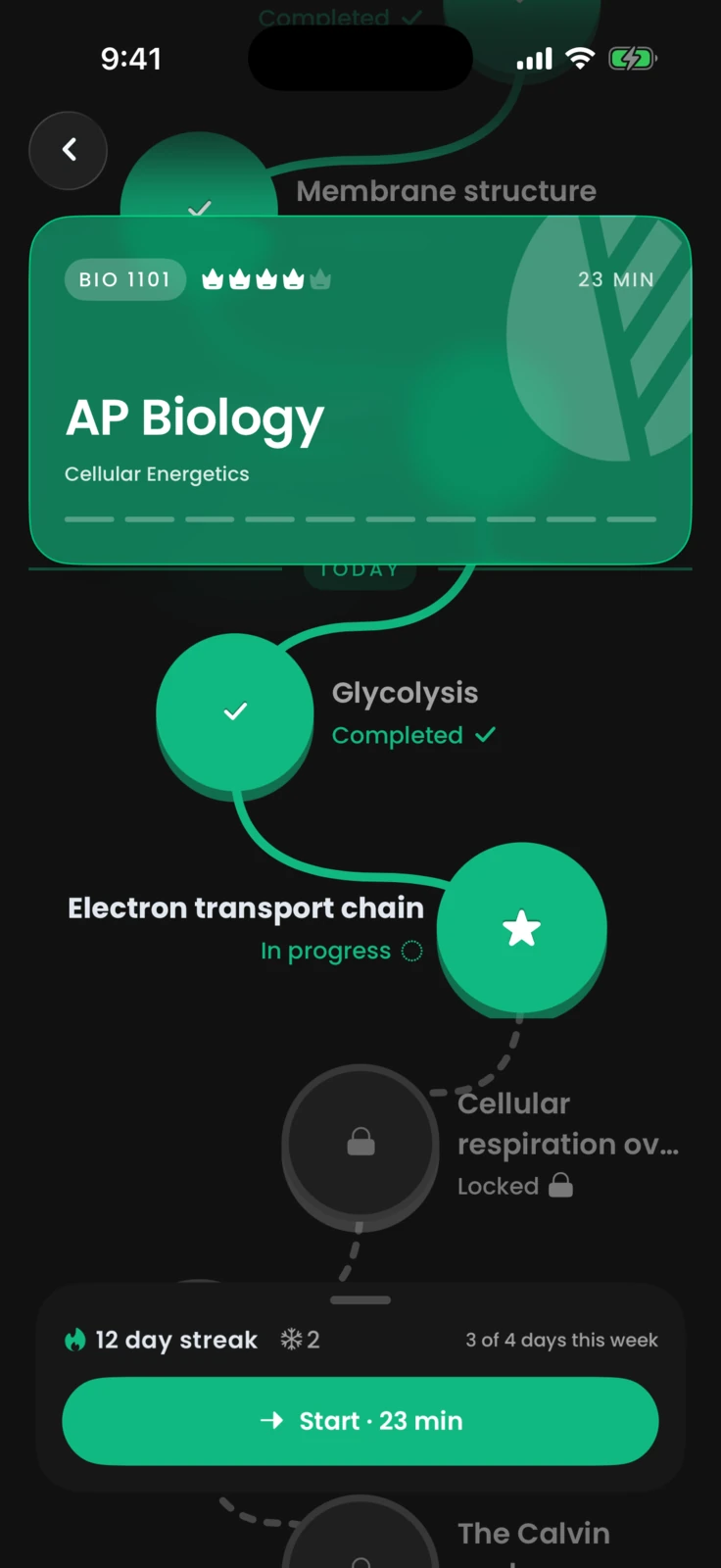
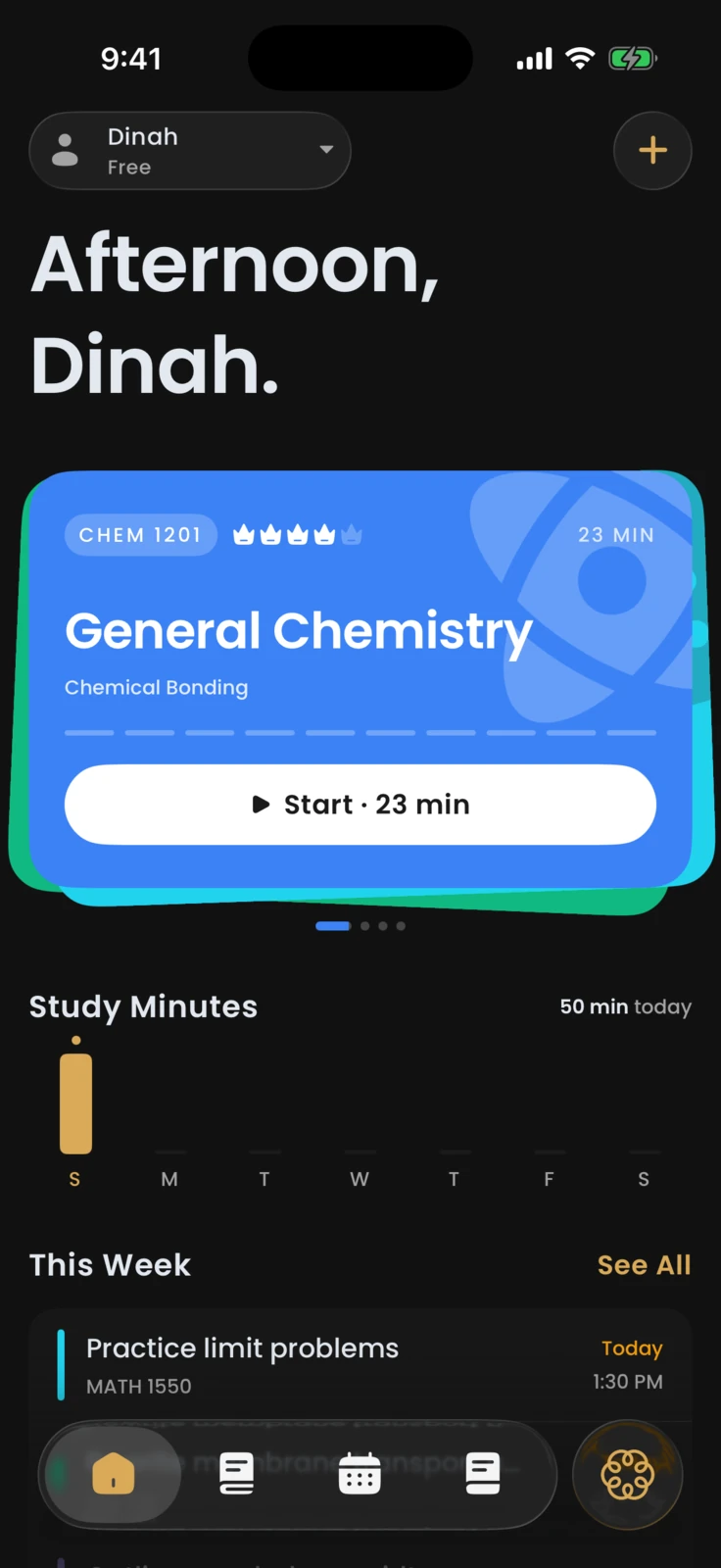
Mastery turns a course into a visible path, showing Dinah what is complete, what is in progress, and what opens next.
Acuide builds the lesson, the quiz, and the review day out of what you're already studying.
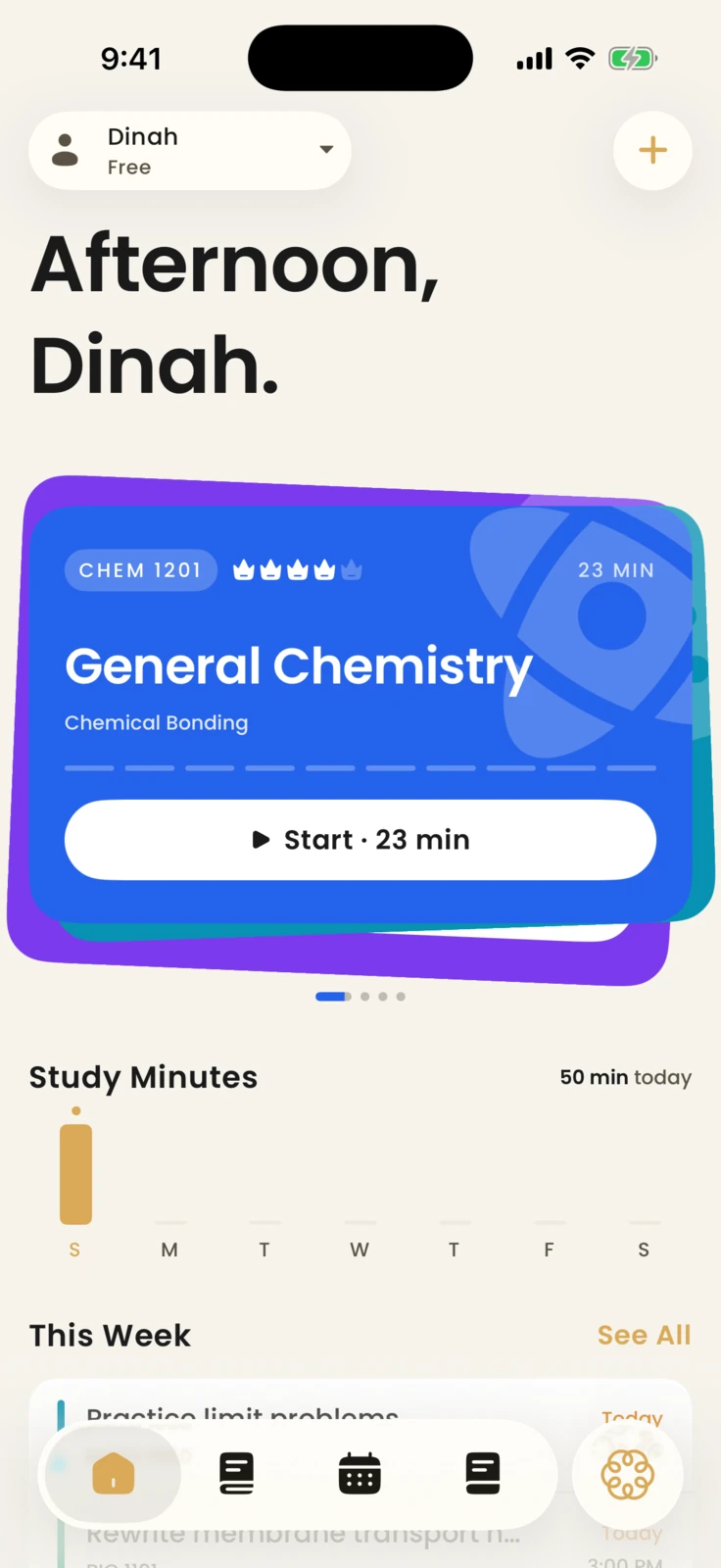
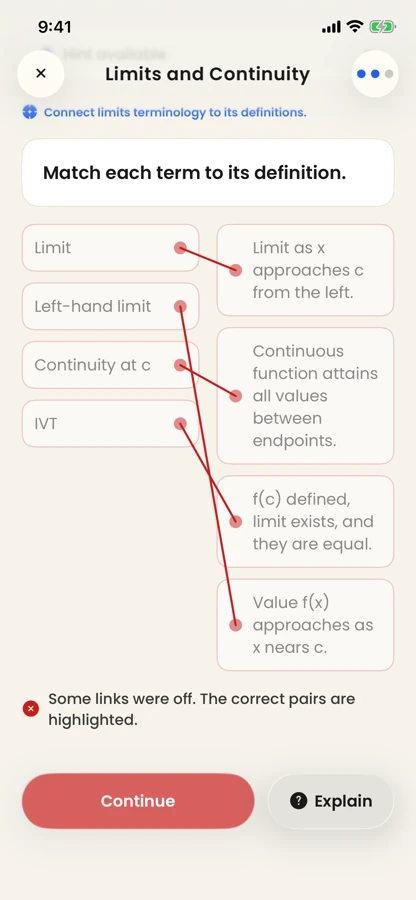
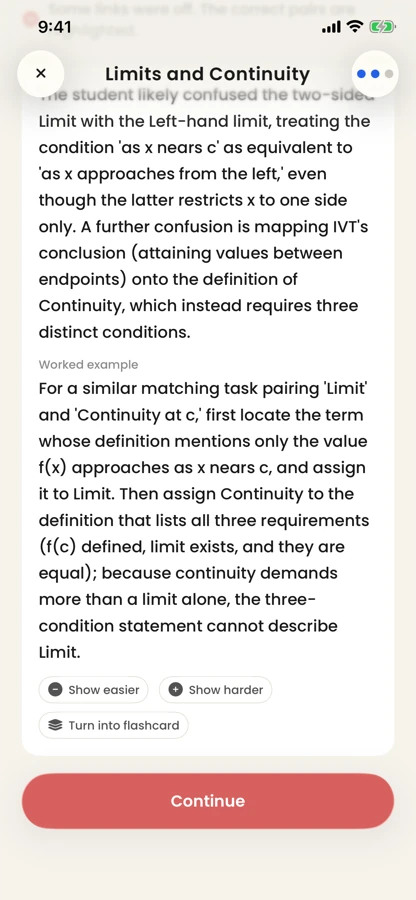
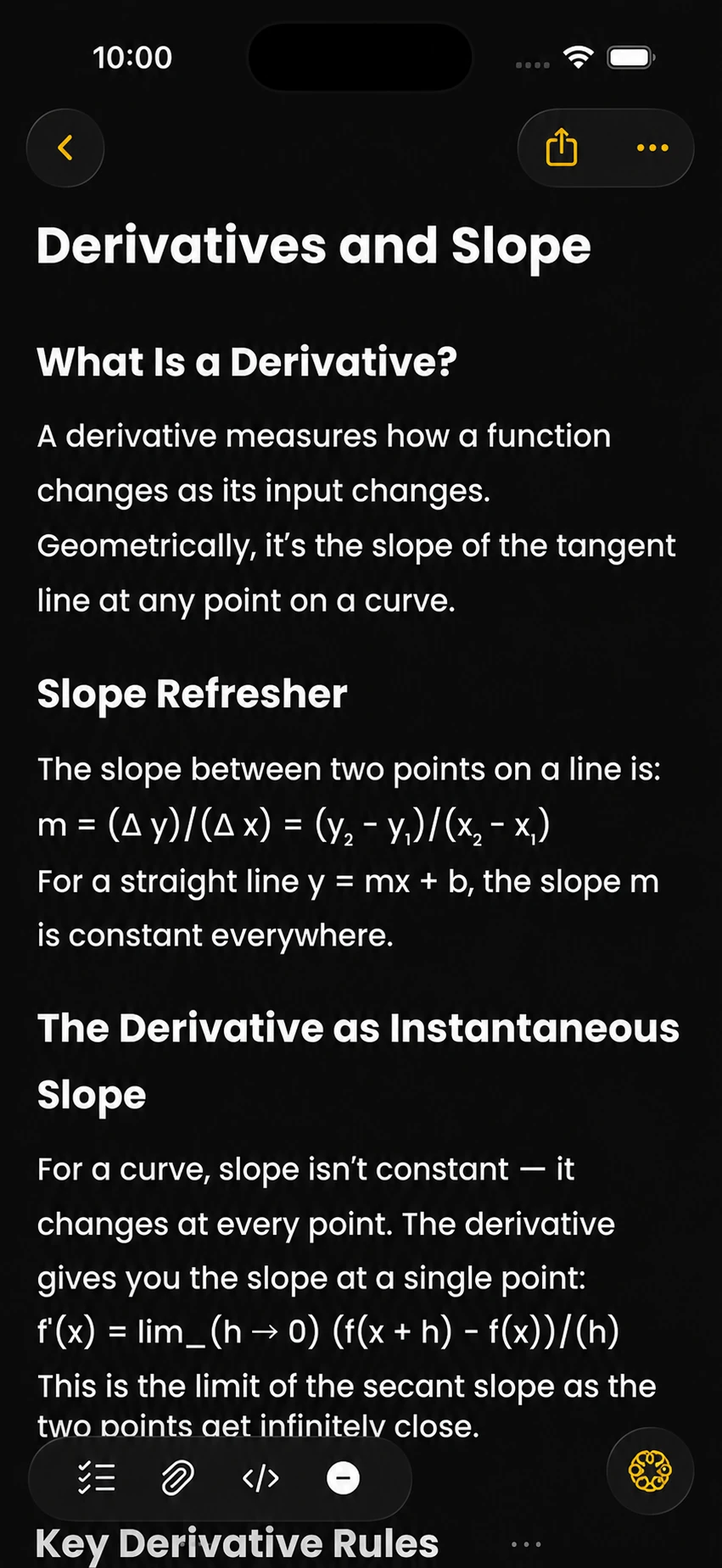
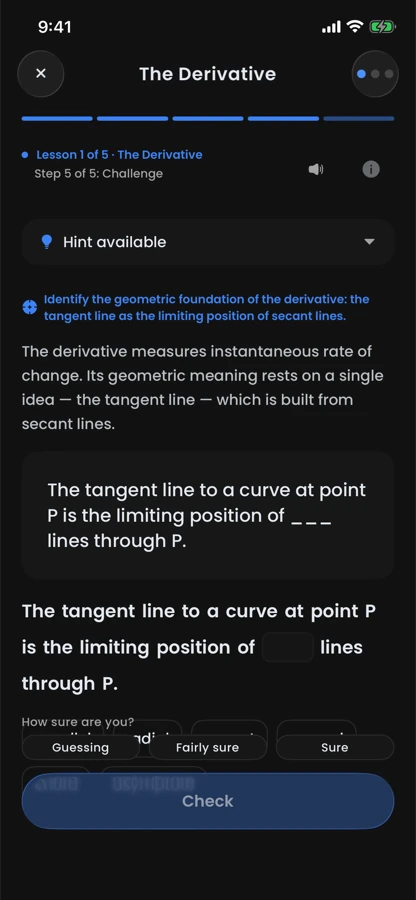
Acuide teaching the power rule through a focused Calculus lesson
From study notes to a focused session, Acuide keeps the material you bring connected to the work you do next.
Mastery turns a course into a visible path, showing Dinah what is complete, what is in progress, and what opens next.
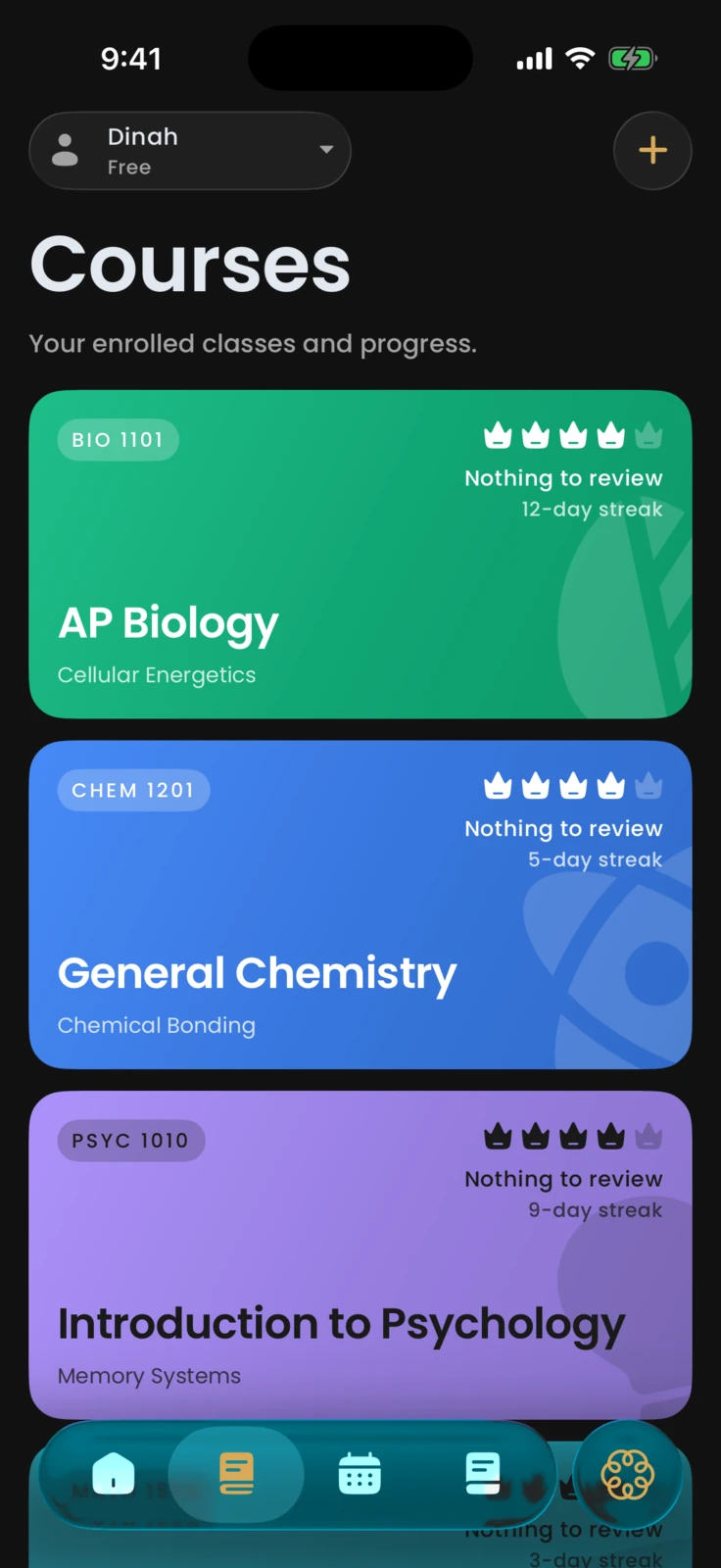
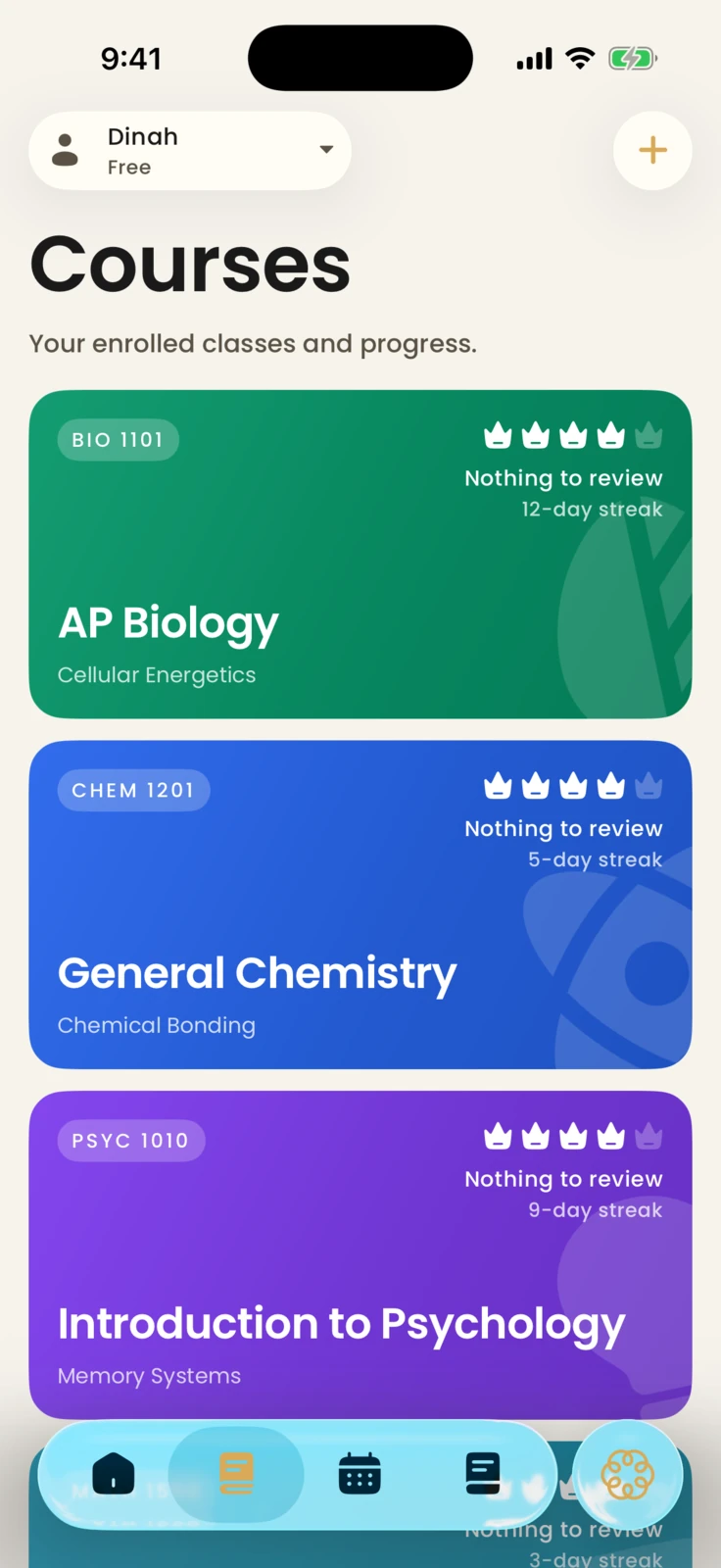
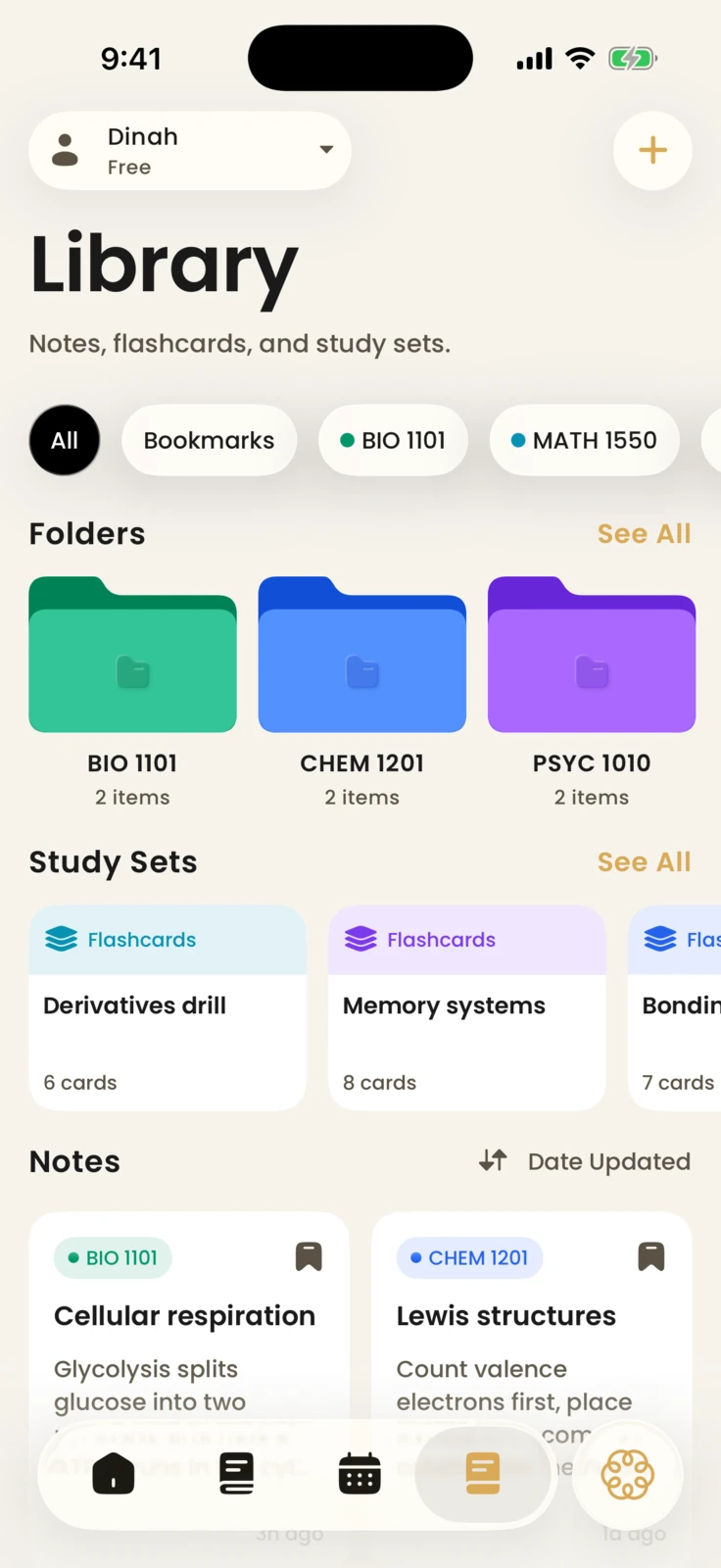
A stacked home screen keeps BIO 1101, CHEM 1201, and PSYC 1010 ready without losing the next study step.
Every class stays recognizable with its course code, current review count, and the exact concept to study next.
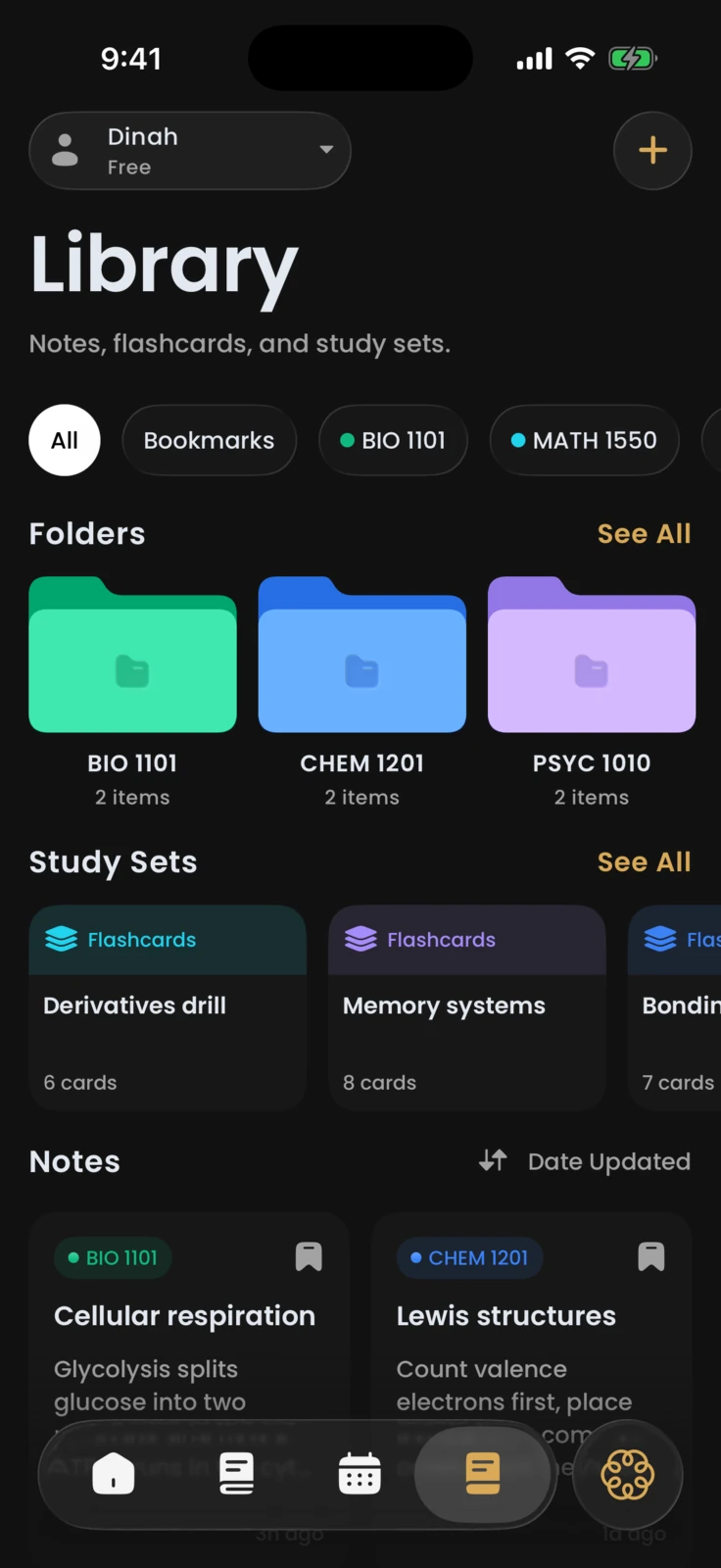
Folders group each course while quick study sets make the next deck easy to reopen when time is short.
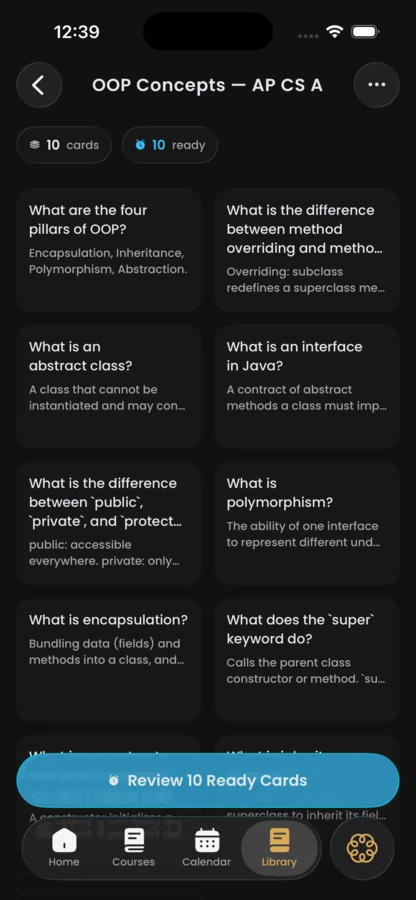
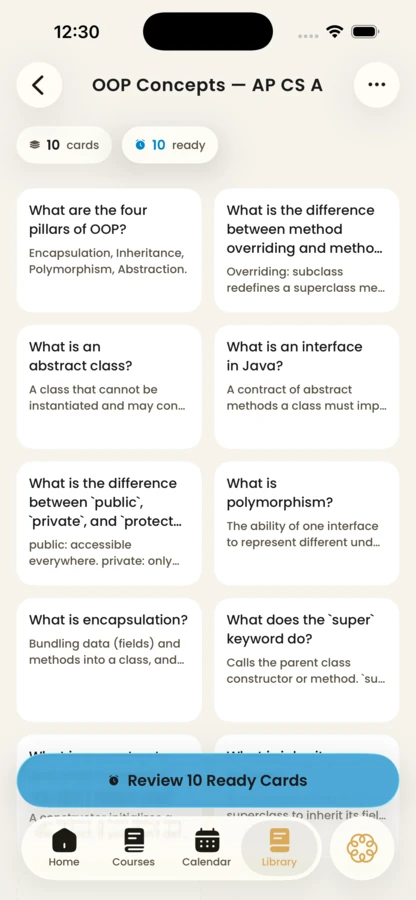
Decks are built from your material, and each card comes back exactly when it is due for review.
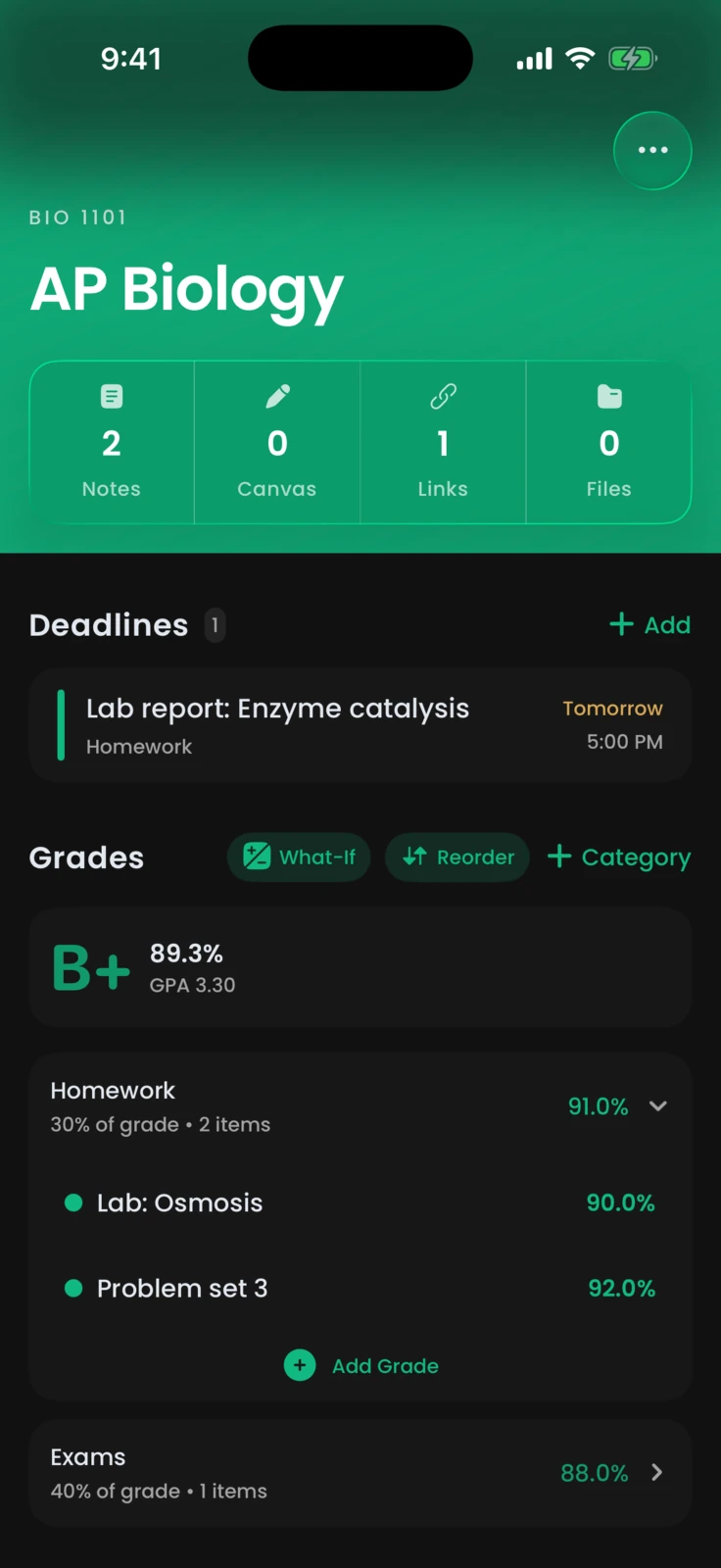
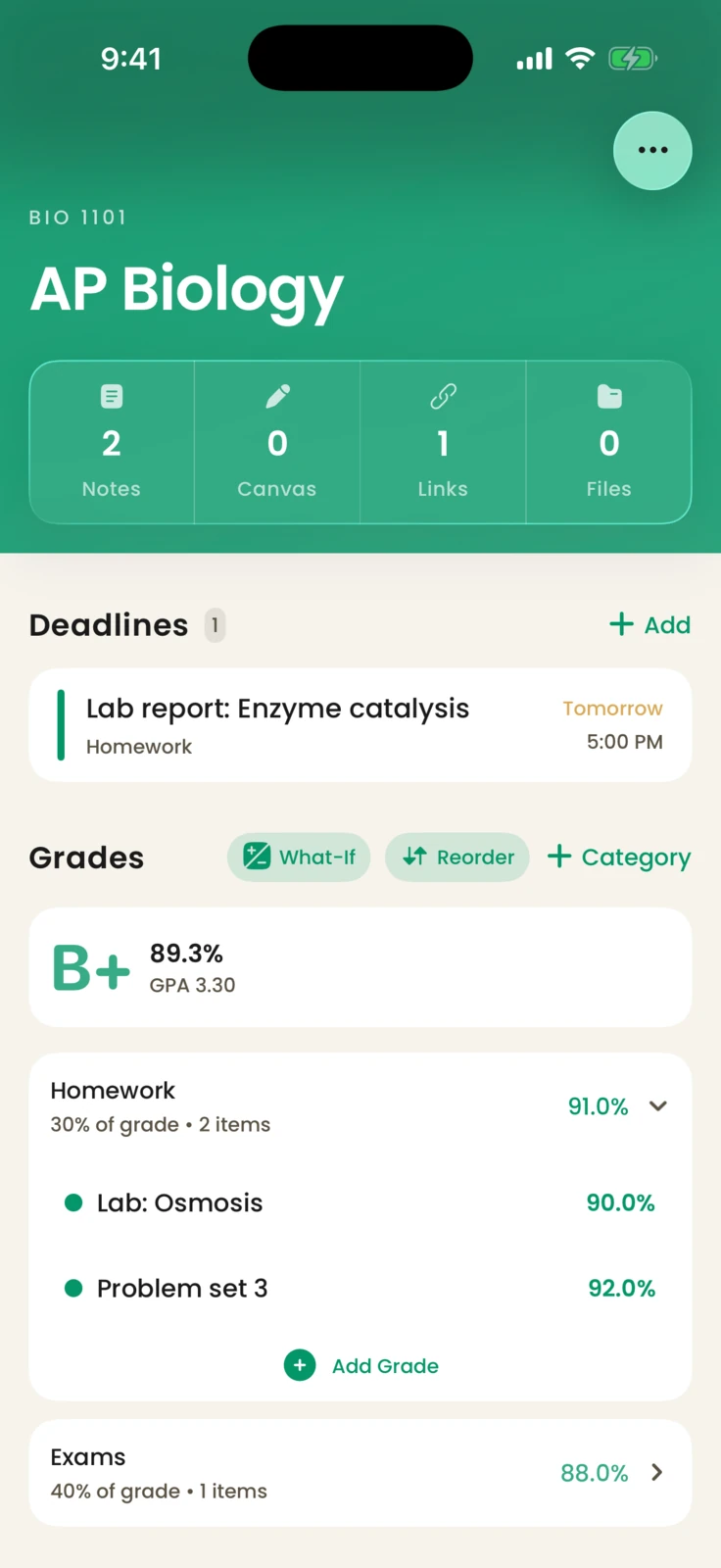
Open a class to find its deadlines, a running grade, and the next mastery session waiting in one place.
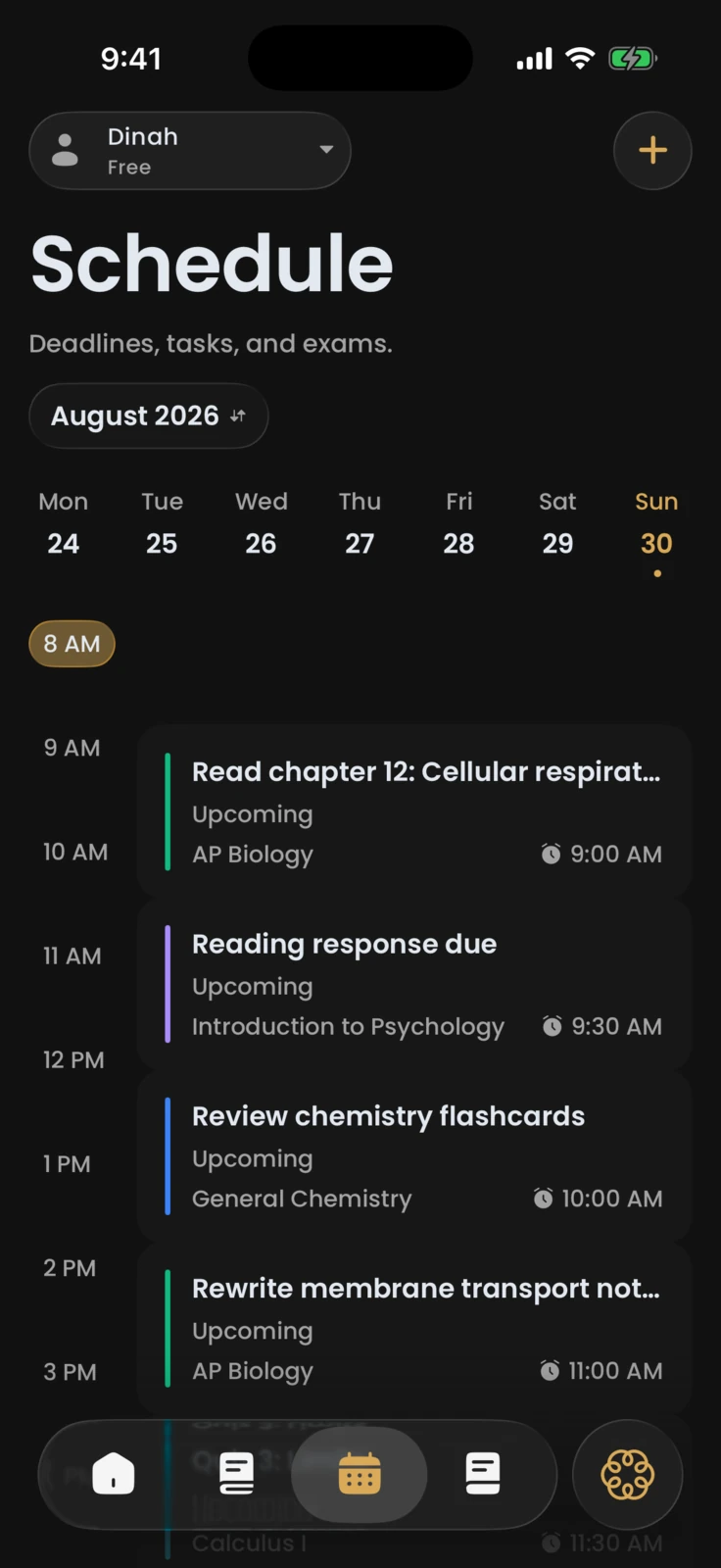
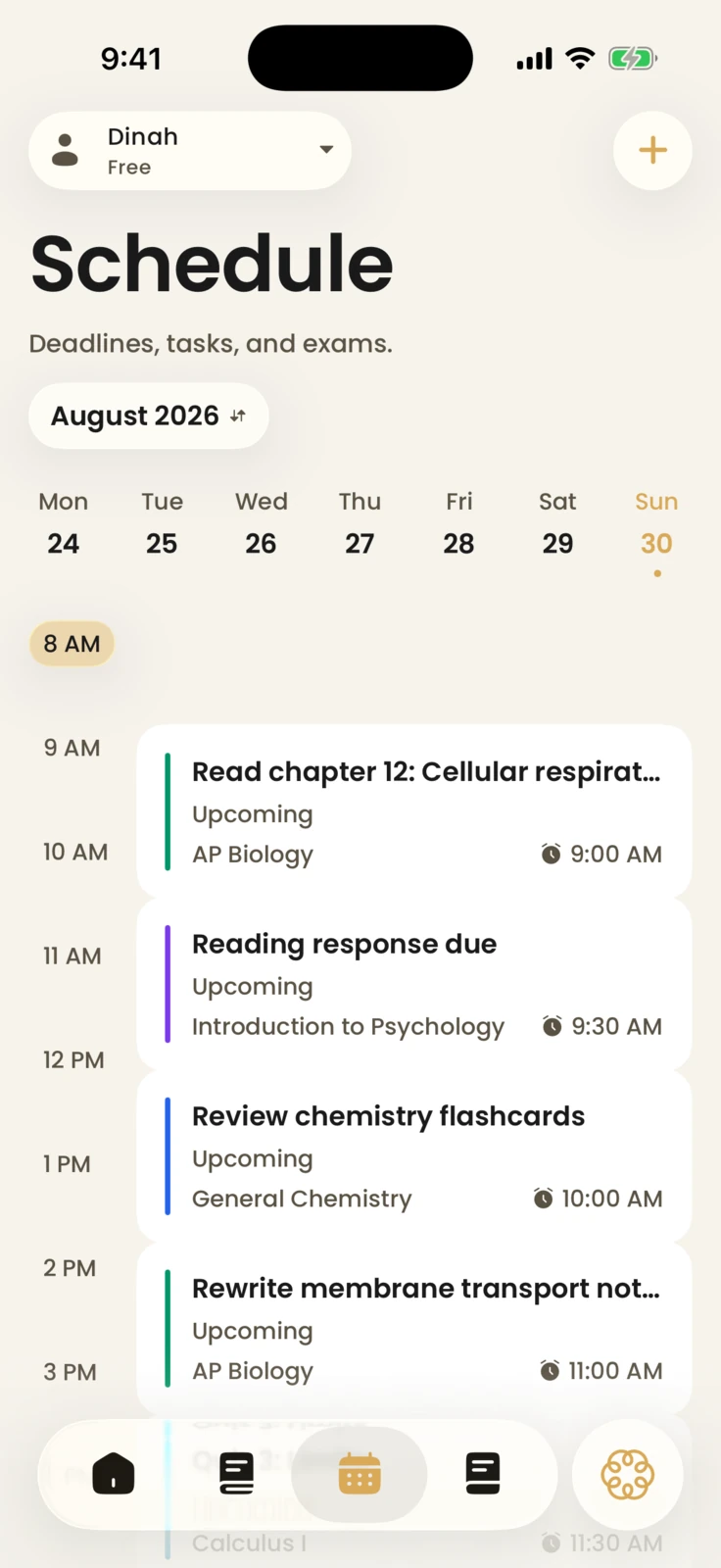
Homework, projects, and exams sit on one schedule beside your study tasks, laid out hour by hour so nothing lands by surprise. Connect Google Classroom and its assignments, due dates, and submission status arrive on their own, read-only.
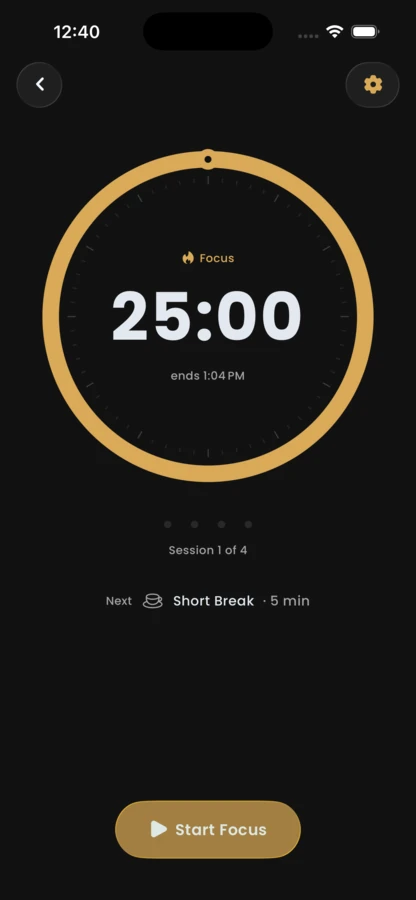
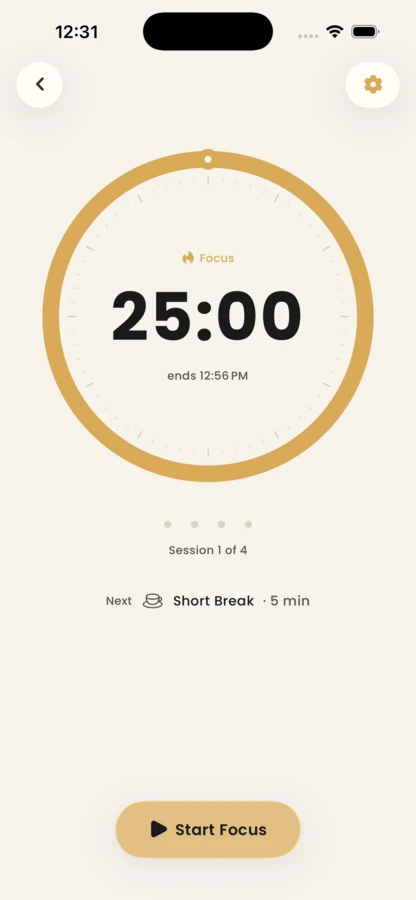
A focus timer paces studying into sessions and breaks, and every finished minute counts toward your streak.
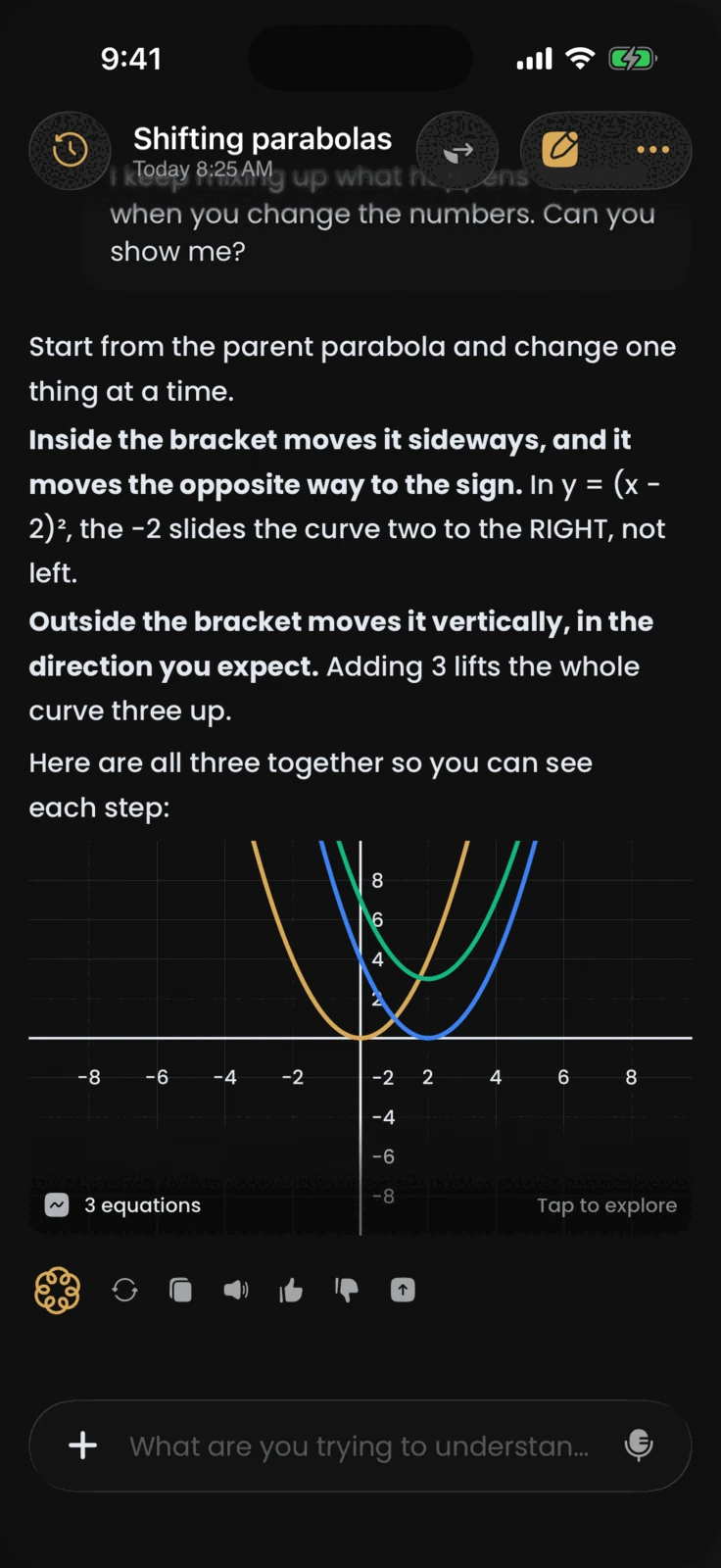
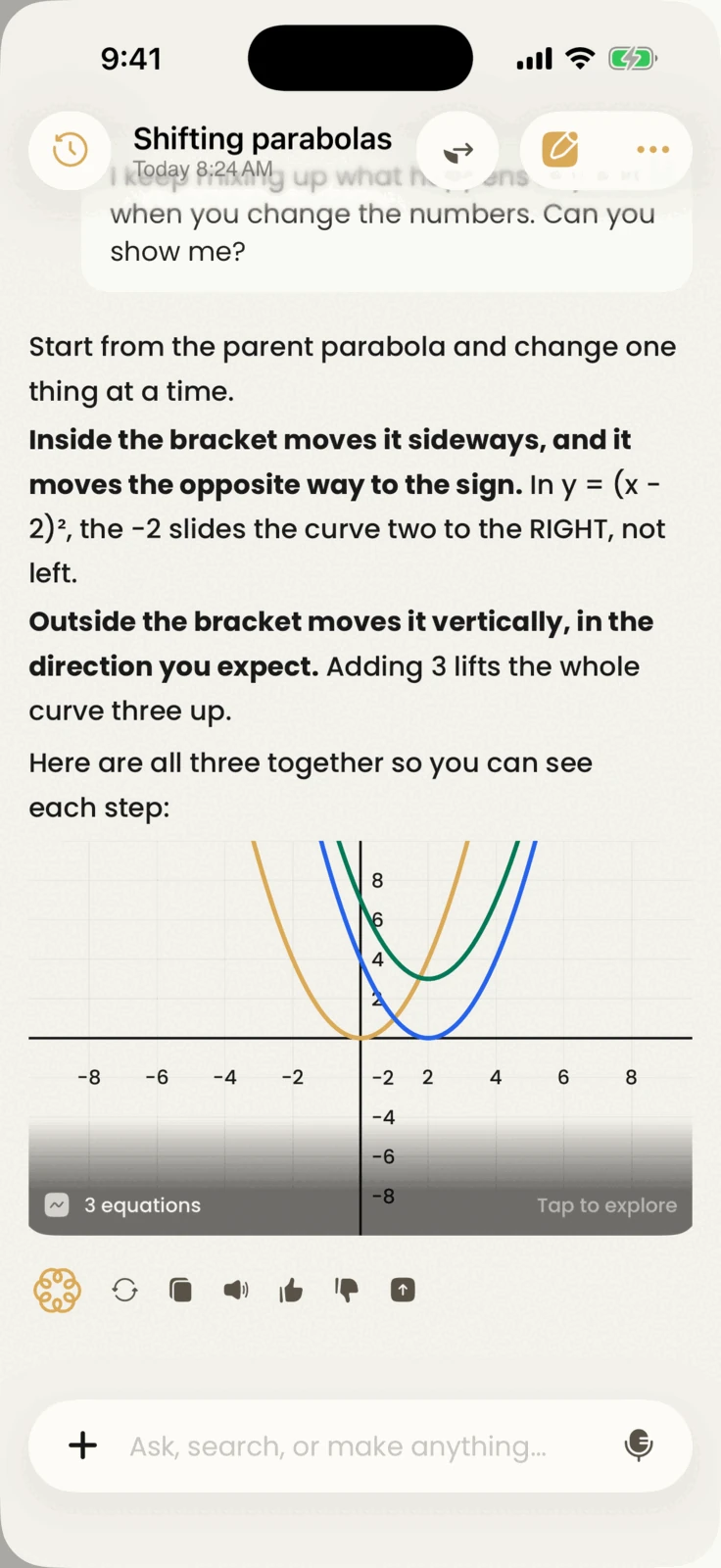
Ask about anything you are studying. The answer comes from your material, in words or as a graph when a picture is faster.
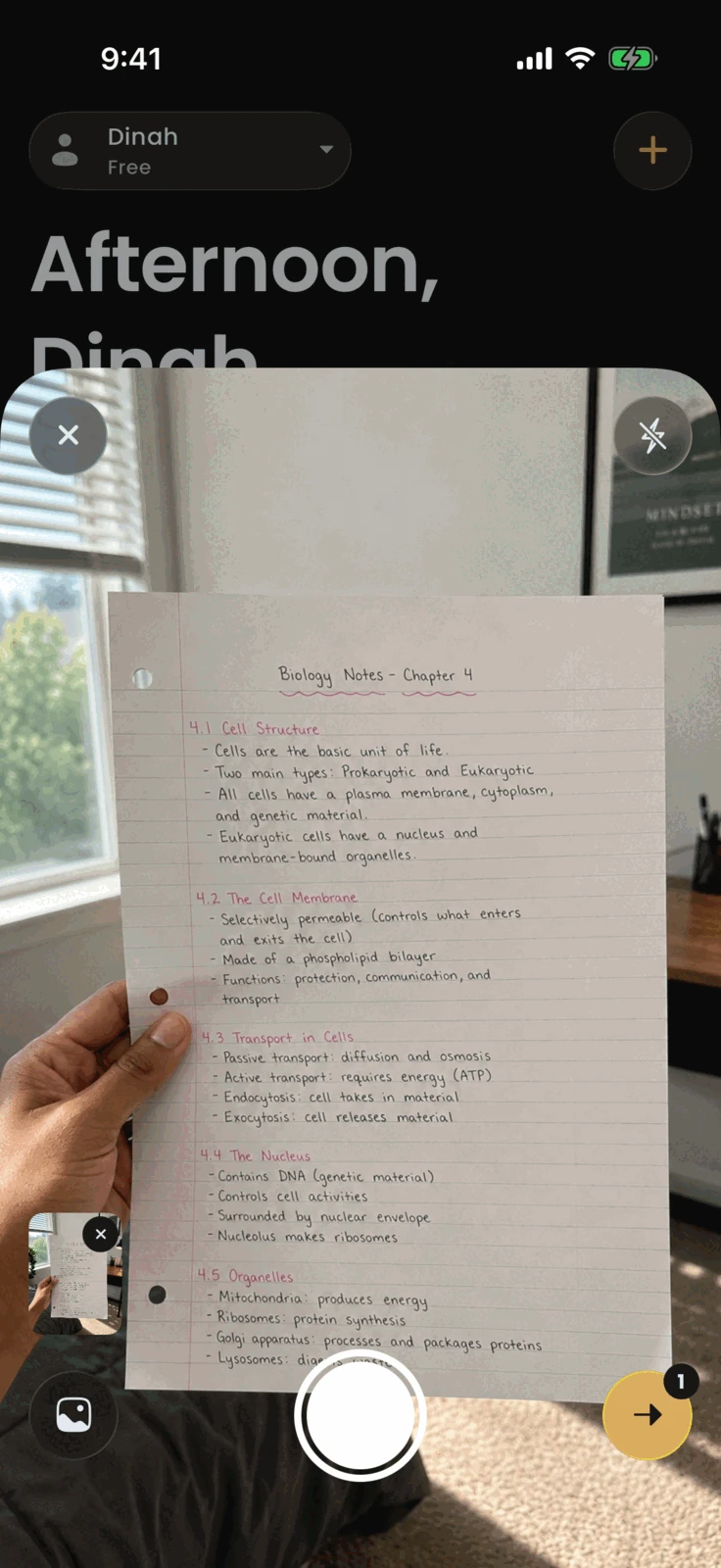
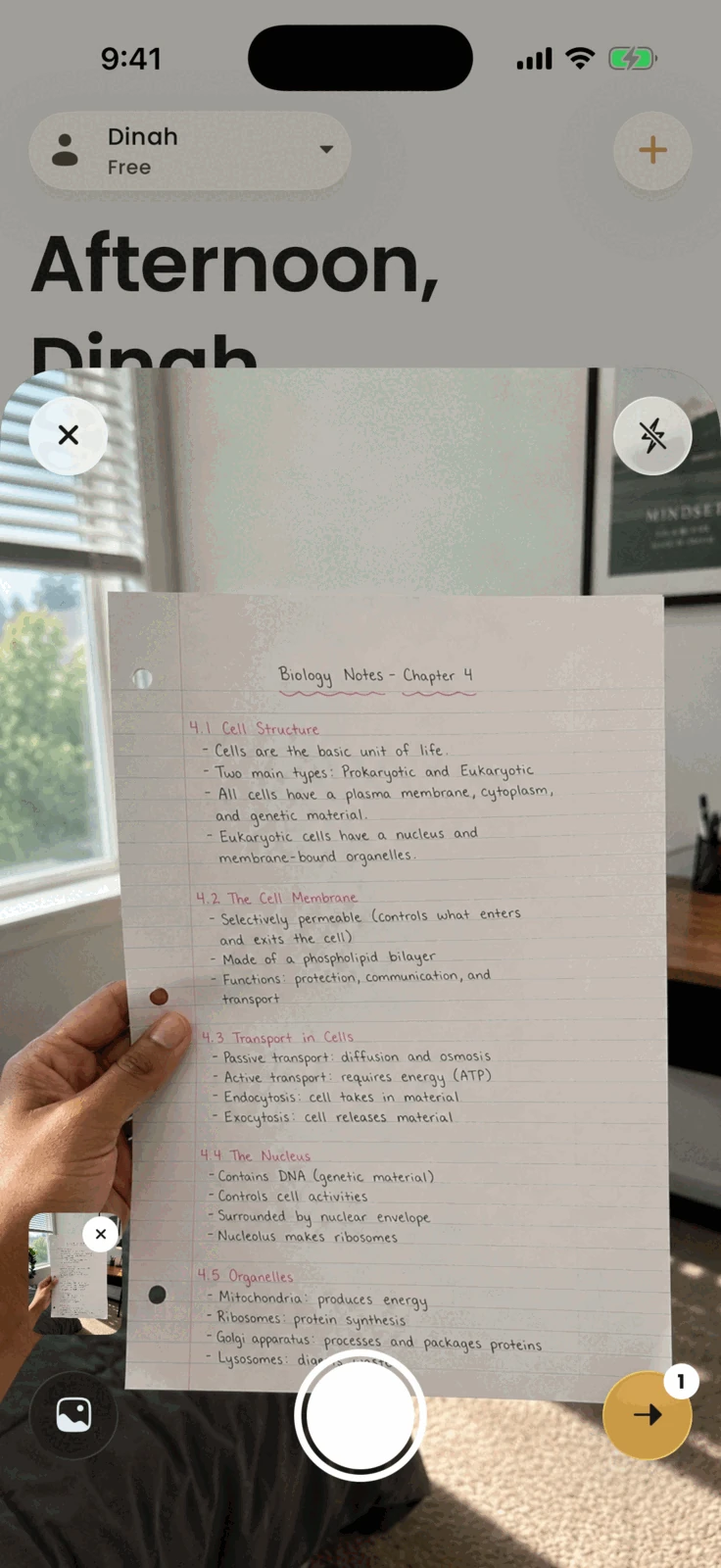
Point the camera at a page you wrote by hand and Acuide reads it back as a note you can study, quiz, and review.
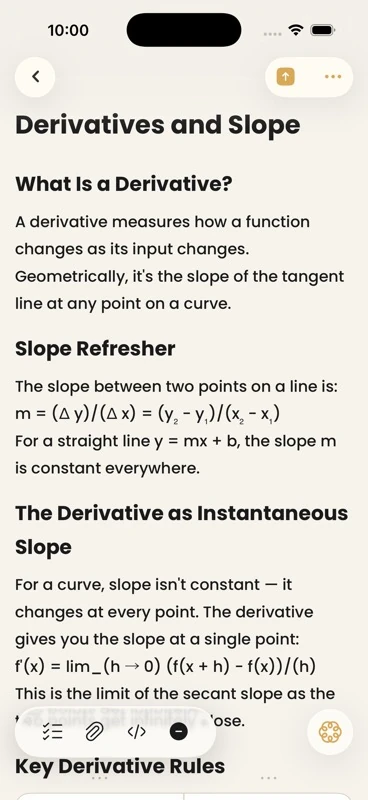
Capture class notes, organize them beside study sets, and reopen the exact context you need.
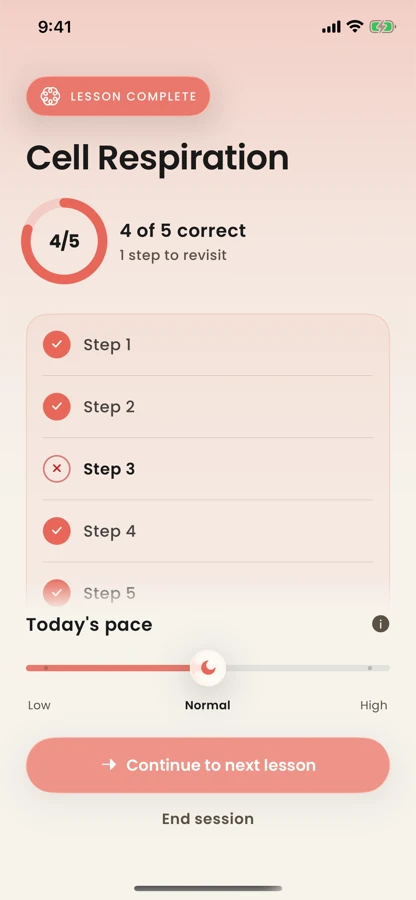
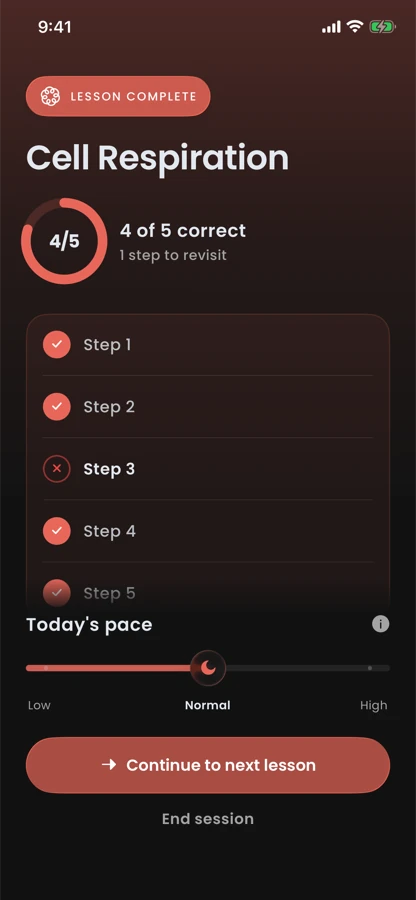
Practice does more than score an answer. It gives the next review something specific to repair.
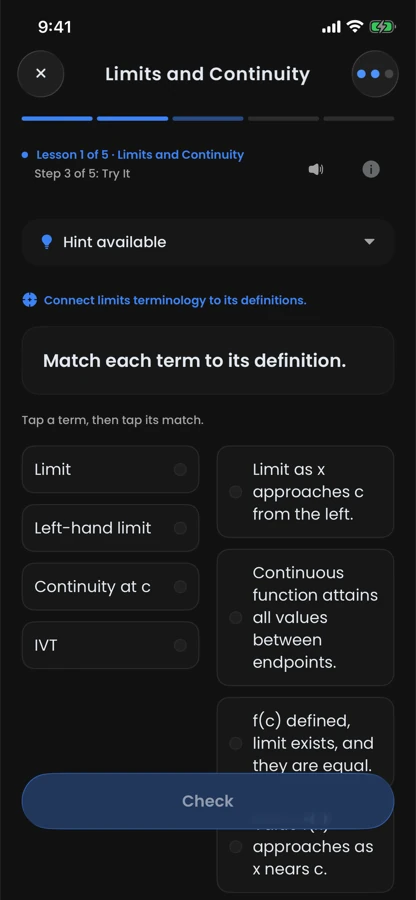
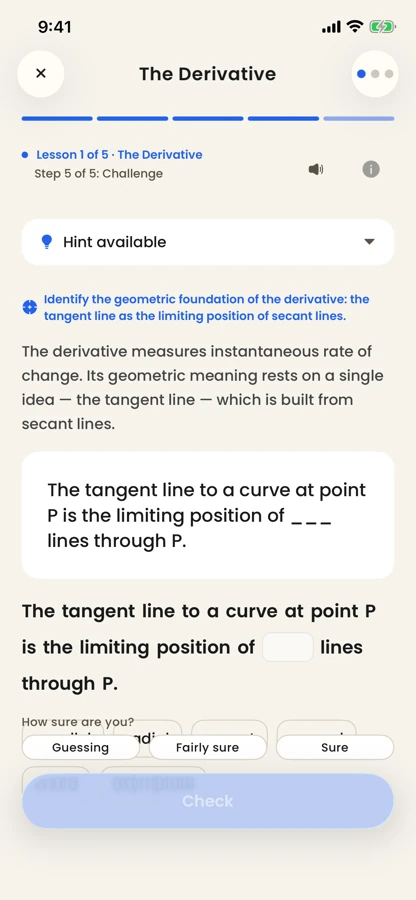
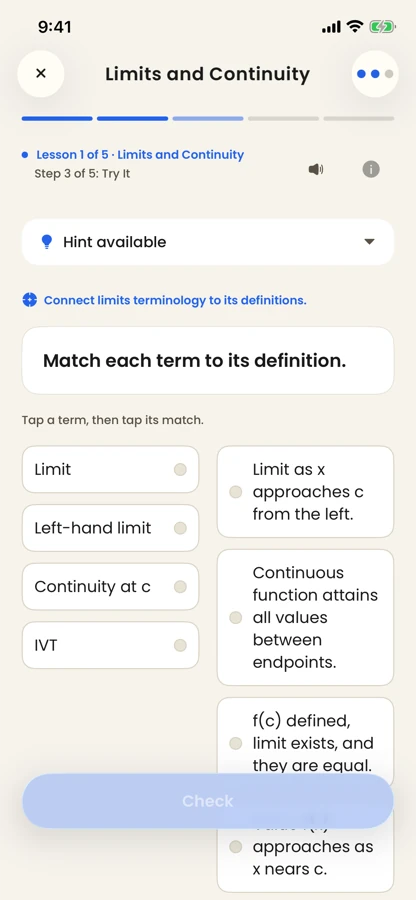
Acuide turns your material into a focused lesson, taught one step at a time.
Exercises ask you to retrieve and apply the idea from memory instead of rereading it.
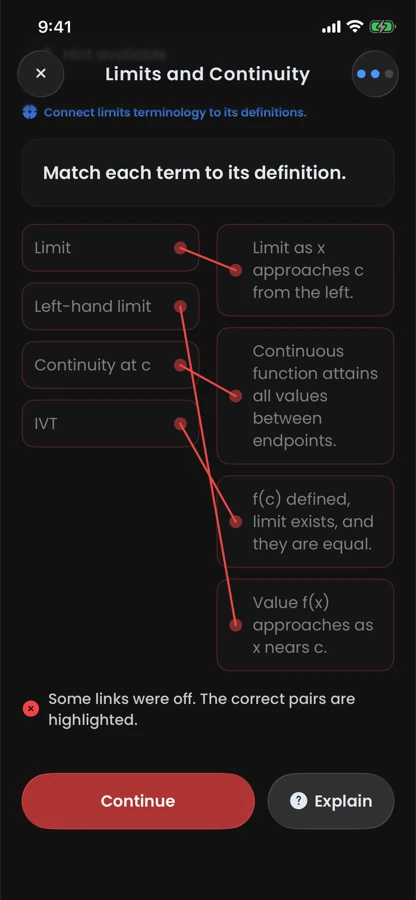
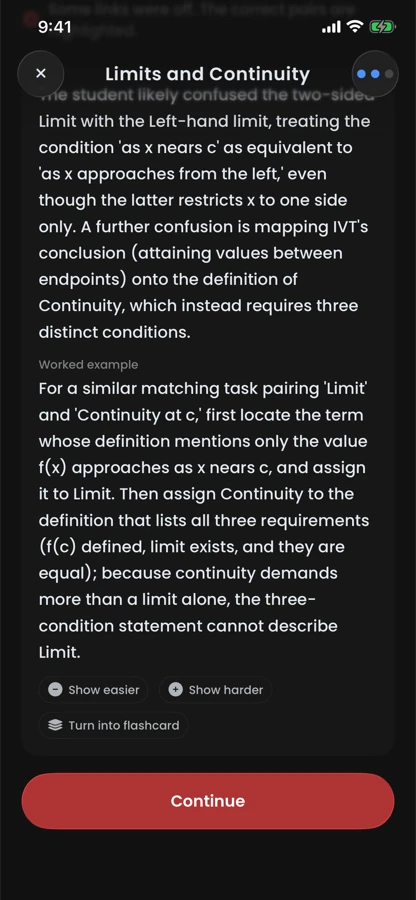
A wrong answer is kept, not just scored. Acuide pinpoints where your understanding broke down.
The mistake gets analyzed and repaired with a worked example, and the concept returns in later reviews.
The short version on launch timing, pricing, what happens to your material, and how far to trust the AI.
Acuide is not on the App Store yet. This page will be updated when that changes; there is no date to announce.
Pricing has not been decided. Nothing on this page is a pre-order or an offer.
Your notes and study sets sync through Acuide's backend, and AI features process the material you attach in order to build lessons, quizzes, and answers from it.
AI output can be inaccurate. Acuide grounds study content in your material and exercises changes against an evaluation suite, but you should check important details against your source.
Google Classroom, with read-only access to your own courses, coursework, and submissions; Acuide never writes to Classroom and never sees other students' work. Canvas, Brightspace, and StudentVUE connections need your school or district to approve Acuide first, so the app records your request and Acuide approaches them. Acuide never asks for your school password.
iPhone running iOS 26 or later. Acuide is a native Swift and SwiftUI app.